SEO
How to Redesign a Website Without Losing Your SEO
A practical checklist for moving to a new design or platform while keeping the visibility you have earned — built on Google’s own guidance for site moves.

- Most SEO damage in a redesign is avoidable: a missing URL map, redirect chains, leftover noindex tags.
- Google says permanent redirects (301 and others) don’t cause a loss in PageRank, so a clean old-to-new URL map is the most valuable deliverable.
- Change one thing at a time where you can, and keep the redirects for at least one year.
- Expect movement: on a medium-sized site, new URLs can take a few weeks or more to settle.
A redesign is exciting for the business and risky for search. New templates, new navigation and often a new platform mean URLs change, headings move and old pages disappear. The risk is not the design itself — it is what happens to the addresses and content that search engines already know.
This guide follows Google’s documentation on site moves with URL changes and turns it into the order of work for a website redesign. Everything we say about what Google does or recommends comes from that page; the sources are listed at the end.
Decide what is actually changing
Google’s advice for any move is to change only one thing at a time. If you change the visual design, switch platform, rewrite every page and restructure the URLs in one launch, a drop in traffic has too many possible causes to diagnose.
Write down which of these are changing: visual design, platform or CMS, URL structure, domain, content. If the URLs and domain stay the same, the job is much smaller — you mostly protect content, headings, internal links and speed.
Google also suggests timing a move for a lower-traffic period where possible. For very large sites it describes moving one section first as a test; small and medium sites should generally move all at once.
Map every old URL to its new destination
The redirect map is the core deliverable. Build the list of old URLs from every source you have: the XML sitemap, server logs, analytics, the CMS and Search Console. Include images, videos, JavaScript and CSS where they matter, not only pages.
- Map each old URL to the most relevant new URL — not to the homepage.
- If a page is deleted or merged with no equivalent, the old URL should return 404 or 410 rather than redirect to something unrelated.
- On the new site, give every page a self-referencing canonical, update hreflang if you use it, and update internal links so they point straight at final URLs.
- Keep a sitemap of the new URLs and a list of the external sites that link to your old ones.
Use permanent, direct redirects
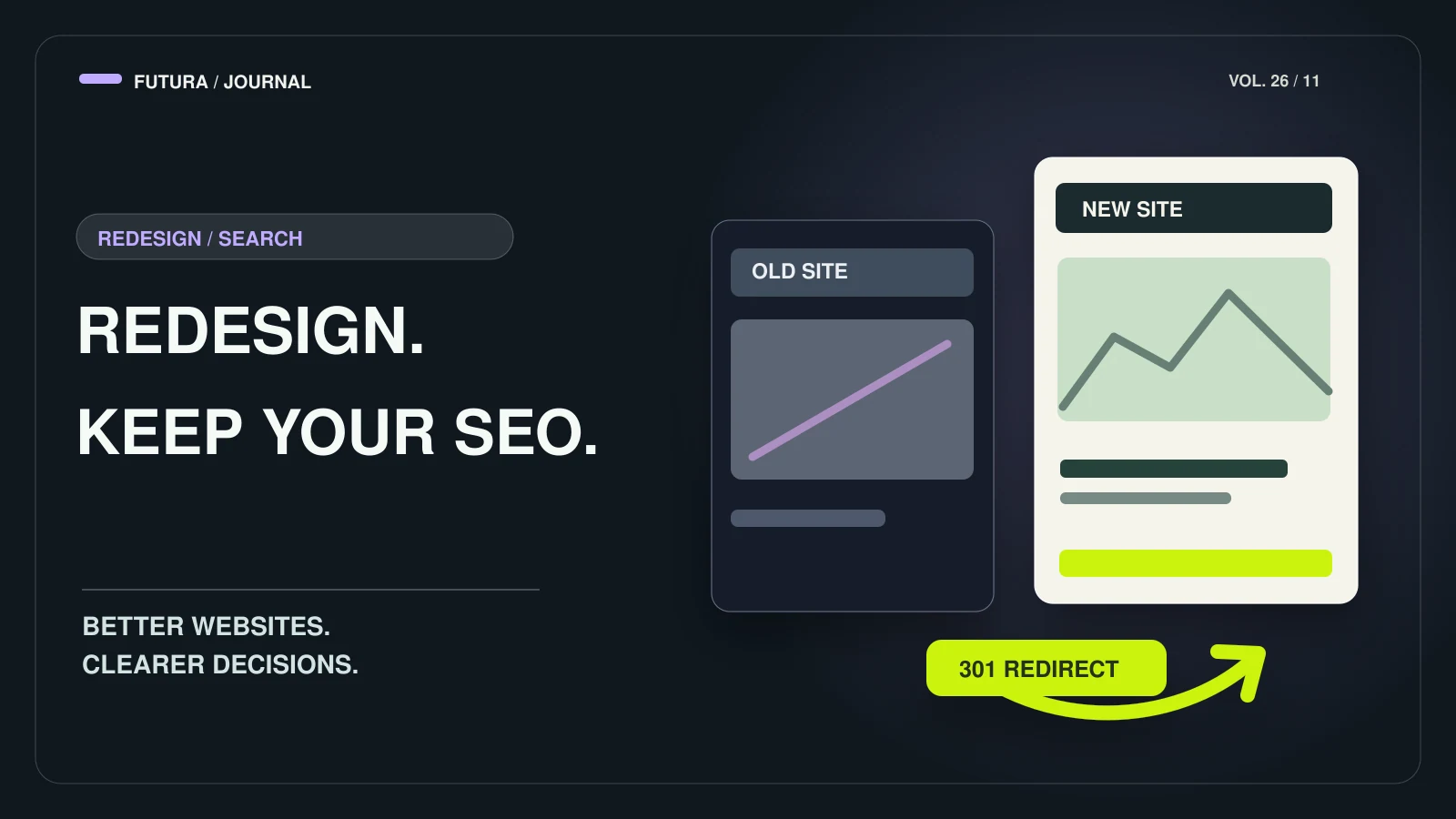
Use server-side permanent redirects — 301 or 308 — wherever you can; Google treats client-side redirects as a last resort. Send each old URL straight to its final destination. Redirect chains slow crawling and add points of failure, and Google advises keeping any chain short.
Google states that 301 and other permanent redirects don’t cause a loss in PageRank, and recommends keeping the redirects in place for at least one year — longer if you can. Test them with a script that requests every old URL, not by clicking around.
Prepare the new site before you switch
Google’s preparation list is mostly about removing things that were only meant for staging and confirming the basics survived the new templates:
- Remove temporary noindex tags and any robots.txt rules that blocked the staging site.
- Check that titles, meta descriptions, heading hierarchy and structured data carried over to the new templates.
- Verify the old and new sites in Search Console, including every variant (http, https, www).
- Make sure the new server can handle the extra crawling Google typically does after a move.
After launch: submit, monitor, wait
Submit the new sitemap and remove the old one. Then watch Search Console’s sitemap and indexing reports, your server logs for Googlebot errors, and analytics for traffic moving from the old URLs to the new ones. Warnings in the old sitemap about redirects are expected.
Googlebot has to visit every old and new URL at least once before the move counts as complete. For a medium-sized site that can take a few weeks or more, and rankings may fluctuate in the meantime — normal, not proof that the redirects failed. A change of domain or subdomain additionally needs a Change of Address in Search Console; a redesign on the same domain does not.
On Futura projects, SEO foundations — a crawlable structure, titles and meta, heading hierarchy, a sitemap and indexing checks — are part of the build. Larger SEO programmes are separate. If you are planning a move, talk to us before the design is final: the URL map is far cheaper to get right early.
FAQ
Common questions
Will a redesign lower my rankings?
It can fluctuate while Google recrawls and reindexes — Google says to expect this during a move. The avoidable losses come from mistakes: URLs without redirects, redirects to irrelevant pages, chains, or leftover noindex rules. Google states that permanent redirects don’t cause a loss in PageRank.
How long should I keep the redirects?
At least one year, according to Google, and longer if you can, because people and sites keep linking to old URLs.
Do I need to submit a Change of Address?
Only if the domain or subdomain changes. A redesign that keeps the same domain doesn’t use that tool.
How long until the new site is fully indexed?
Google says that for a medium-sized site it can take a few weeks or more for new URLs to show, depending on how many URLs there are and how fast your server responds. A sitemap helps discovery.
Sources
Primary sources for the claims above, last checked on 10.10.2026.
- Site moves with URL changes — Google Search Central
Have a project in mind?