Performance
Core Web Vitals for Small Business Websites: What to Measure and Fix First
LCP, INP and CLS explained in plain language, with the concrete fixes web.dev recommends — and a sensible order of work for a small site.

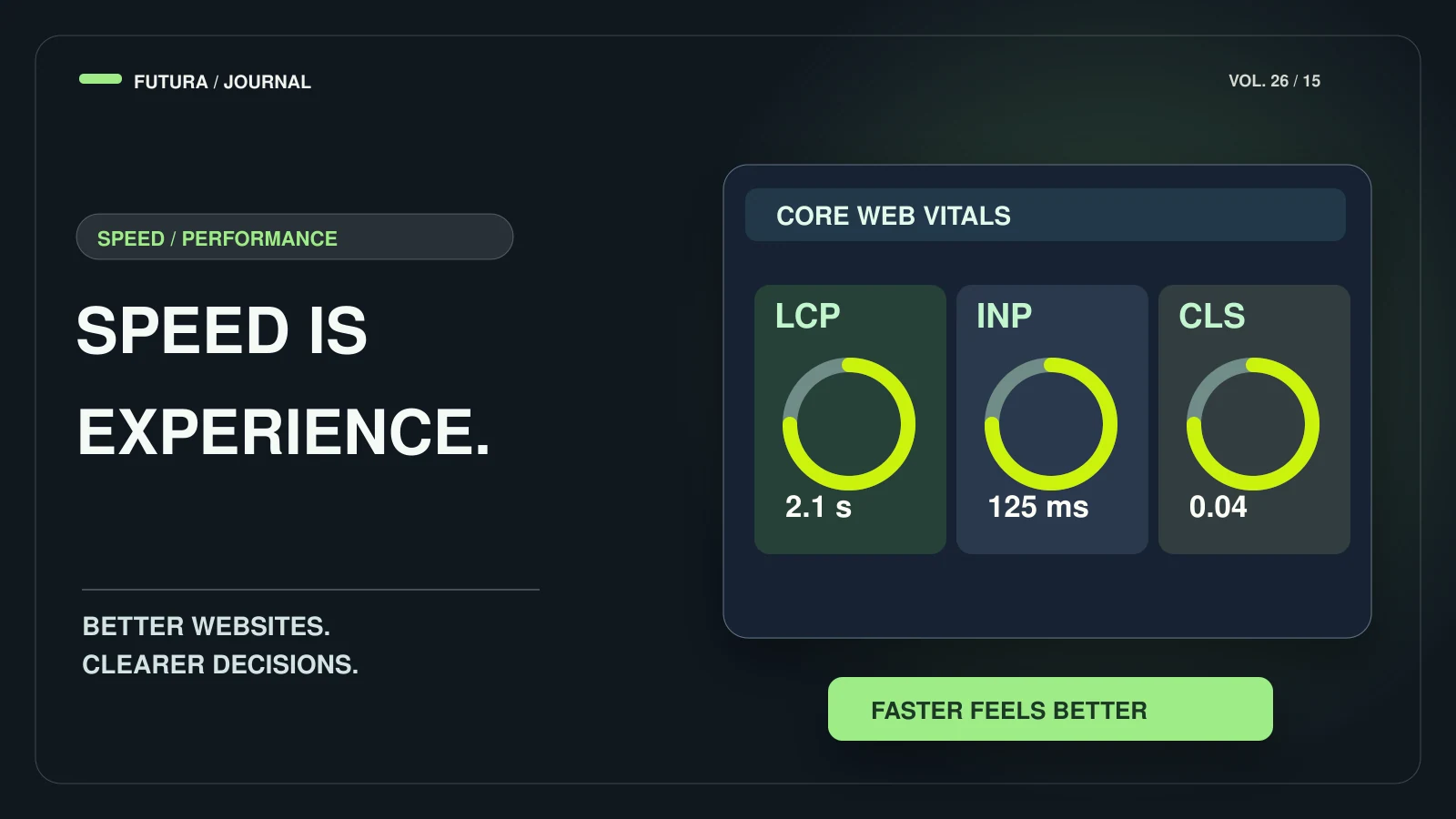
- Core Web Vitals measure loading (LCP ≤ 2.5 s), interactivity (INP ≤ 200 ms) and visual stability (CLS ≤ 0.1), at the 75th percentile of page loads.
- Start from field data (real visitors), then reproduce problems in the lab.
- The LCP element is an image or a web font — or plain text. Find out which before optimising.
- Never lazy-load the LCP image, and always give images dimensions.
Core Web Vitals are Google’s way of describing how a page feels to use: how quickly the main content appears, how quickly the page responds when you tap, and whether things jump around while loading. For a small business site they are a practical checklist, not a mystery.
Everything below comes from web.dev’s documentation, read on the day this article was published. The sources are listed at the end.
The three numbers
web.dev defines three metrics and what counts as “good” for each:
- Largest Contentful Paint (LCP) — loading: the main content should render within 2.5 seconds of the page starting to load.
- Interaction to Next Paint (INP) — responsiveness: 200 milliseconds or less is good, above 500 ms is poor.
- Cumulative Layout Shift (CLS) — visual stability: 0.1 or less.
Measure real visitors first
The thresholds apply at the 75th percentile of page loads, segmented across mobile and desktop — so one fast test on your own laptop proves little. web.dev recommends starting with field data (from real-user monitoring or the Chrome UX Report), then reproducing slow interactions in the lab, including during page load, when the main thread is usually busiest.
LCP: get the main content on screen
The LCP resource, web.dev says, is either an image or a web font — and text rendered in a system font needs no resource at all. So first find out what your LCP element actually is. web.dev splits LCP into four parts: time to first byte (about 40% of the total), resource load delay (under 10%), resource load duration (about 40%) and element render delay (under 10%), and cautions that these proportions are guidance, not absolute targets.
- Make the LCP image discoverable in the initial HTML (src or srcset), not injected by JavaScript or hidden in data-src.
- Set fetchpriority to high on the likely LCP image — on one or two images at most, or it stops helping.
- Never lazy-load the LCP image; web.dev says it always adds unnecessary load delay.
- Reduce time to first byte: fewer redirects, a CDN, no unique query strings that bypass the cache.
- Remove render-blocking CSS and JavaScript from the head.
- Serve the right image size in a modern format, compressed.
CLS: reserve space before things load
Layout shift happens when something loads and pushes the content you were reading. web.dev’s fixes are simple and mostly about reserving space:
- Give every image and video width and height attributes, or use CSS aspect-ratio.
- Reserve space for ads, embeds and iframes with min-height or aspect-ratio.
- Avoid injecting content near the top of the page after load; use placeholders for late banners and forms.
- For web fonts, use font-display: optional with a close fallback font, and preload critical fonts.
- Animate with transform instead of top, left or box-shadow — composited animations don’t count towards CLS.
INP: keep the main thread free
web.dev breaks every interaction into input delay, processing duration and presentation delay. Poor INP usually means the main thread is busy when someone taps (long tasks, heavy scripts at startup), event handlers do too much, or the browser takes too long to paint the next frame (a huge DOM, lots of JavaScript-rendered HTML).
The remedies follow from that: avoid long tasks during startup, split long handlers and yield to the main thread, run only the code needed for the next frame inside the handler, avoid layout thrashing, keep the DOM small, use content-visibility for off-screen sections, and limit client-side rendering of large HTML.
A sensible order of work for a small site
Our order for a typical small business website — an order we choose, built on web.dev’s advice above:
- Measure with field data; note which of LCP, INP and CLS fails.
- Fix the LCP element first: discoverable, not lazy-loaded, right-sized, with fast server response.
- Add dimensions or aspect ratios everywhere to stop layout shift.
- Trim JavaScript that isn’t needed on first load.
- Re-measure after real traffic has come through — field data takes time to update.
Where this fits in a project
Performance is cheapest when it is designed in: image sizes, fonts and scripts are decisions made during web development and landing page builds, not patches added afterwards. If you want a site that is built with these checks from day one, tell us about your project.
FAQ
Common questions
What is a good score for each metric?
According to web.dev: LCP within 2.5 seconds, INP of 200 ms or less (above 500 ms is poor) and CLS of 0.1 or less — measured at the 75th percentile, separately for mobile and desktop.
Should I lazy-load all my images?
No. web.dev says lazy-loading the LCP image always leads to unnecessary load delay. Lazy-load images below the fold; load the main image eagerly.
Is the LCP element always an image?
No. web.dev says the LCP resource is either an image or a web font, and text in a system font needs no resource load at all. Check which element is yours.
What should I fix first on a small site?
Start with whichever metric fails in field data. If none is measured yet, fix the LCP element and add image dimensions first — they are the quickest, safest wins.
Sources
Primary sources for the claims above, last checked on 10.10.2026.
- Web Vitals — web.dev
- Optimize Largest Contentful Paint — web.dev
- Optimize Cumulative Layout Shift — web.dev
- Optimize Interaction to Next Paint — web.dev
Have a project in mind?