Hospitality
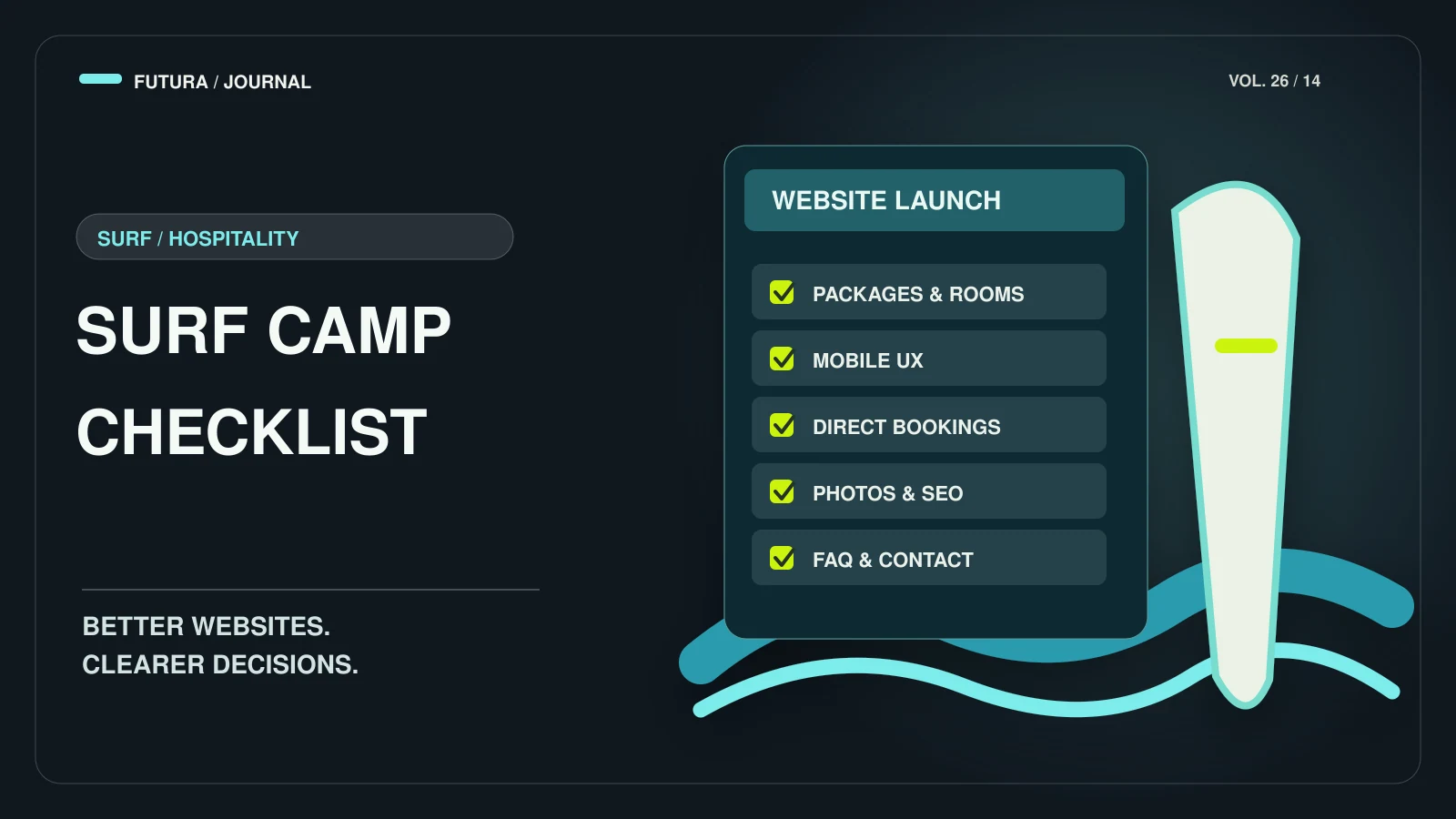
Surf Camp Website Checklist: Packages, Rooms, Booking, SEO and FAQs
What a prospective guest needs to find on a surf camp, surf house or lodge website — with real examples from sites we have built in Morocco.

- The first screen should say what you are, where you are and what to do next — one clear booking or enquiry action.
- Packages and rooms need concrete details: what’s included, how long, group size and a starting price where possible.
- Make asking easy everywhere: a booking route, an enquiry form and WhatsApp can all coexist.
- Photos carry the sale — and slow the page down if they’re not handled properly.
- Structured data helps Google understand your business, but Google doesn’t guarantee any rich result.
We have designed and built websites for surf camps, surf houses and lodges across Morocco, including Dar Surfana, SurfSunStay, Sunset Surf House, Riad Atlas Surf and Harmony Surf Lodge — you can see them on our work page.
This checklist is what a prospective guest needs to be able to find, with examples taken from those live sites. The technical guidance comes from Google’s documentation; sources are listed at the end.
The first screen: what, where, what next
A guest should know within seconds what you offer, where you are and what to do next. Each of these sites leads with a clear action in the header: “Plan Your Stay” on Riad Atlas Surf and “Book Your Surf Trip” on Sunset Surf House.
- Say what you are (surf camp, surf house, lodge) and where — the town, not just the country.
- Name who it is for: beginners, mixed levels, groups, couples, solo travellers.
- Offer one primary action and repeat it in the header.
Packages and rooms: be concrete
Vague packages cost you enquiries. Spell out what is included, how many nights, the surf level, the group size and how the price is built. Be specific about coaching levels, meal inclusions, accommodation and any displayed starting prices rather than hiding key details behind an enquiry.
Give rooms their own page or section with real photos and the key facts (beds, bathroom, who shares), and link each package to the rooms it uses.
A booking or enquiry path on every page
Decide whether guests book online or send an enquiry, then make that route visible on every page. For Dar Surfana, the scope included rooms, packages, experiences, enquiry/WhatsApp and SEO foundations; Dar Surfana provides an enquiry and WhatsApp contact route.
Offer both where you can: WhatsApp for quick questions, a form for structured enquiries that capture dates and group size. Confirm what happens next — a reply time you can really keep — instead of a generic “thank you”.
Photos that sell and still load fast
Surf and lodge sites are photo-led, so image handling matters twice: for the guest and for speed. Google’s image guidance asks for useful, information-rich alt text, descriptive file names, images placed near relevant text, and responsive images (srcset or picture) with a regular img fallback. It lists WebP, AVIF, JPEG, PNG, GIF, SVG and BMP as supported formats, and notes that large images slow pages down.
Speed is its own topic: see our guide to Core Web Vitals for small business websites.
Answer the questions guests actually ask
Google’s guidance on helpful content rewards pages that show real, first-hand knowledge. For a camp, that is simply the truth about how it works. A visible FAQ is the best place for it — written for guests, not for search engines:
- Airport transfers: from where, when and at what cost.
- Surf level: who the lessons suit and how groups are formed.
- Equipment: what is included and what to bring.
- Cancellation, payment and what happens in flat or unsafe conditions.
- Food and dietary needs; yoga and other activities.
Local SEO and structured data
Google’s LocalBusiness structured data describes a business’s details so that Google can use them in Search or Maps. It requires a name and an address; telephone, url, geo coordinates, price range and opening hours are recommended. Google is explicit that it does not guarantee that features using structured data will appear in search results, and it warns against spammy markup — so mark up only what is true and shown to guests.
Beyond markup, the basics still do most of the work: a unique title and description per page, clear headings, a sitemap, and consistent business details. On Futura builds these SEO foundations are part of the project.
FAQ
Common questions
How many pages does a surf camp website need?
Enough for guests to answer the main questions: home, packages, rooms or accommodation, activities or experiences, surf spots, an FAQ and contact. The sites above use navigation along those lines.
Should I show prices?
Where you can. If prices vary by season or room, show a “from” price and explain what changes it. If you publish a starting price, state what it includes and when it applies.
WhatsApp or a form?
Both, where possible. WhatsApp suits quick questions; a form captures dates, group size and level in one go.
Does structured data guarantee rich results?
No. Google says it does not guarantee that features that use structured data will show up in search results.
Sources
Primary sources for the claims above, last checked on 10.10.2026.
- Local business structured data — Google Search Central
- Google Images SEO best practices — Google Search Central
- Creating helpful, reliable, people-first content — Google Search Central
Have a project in mind?