Platforms
Webflow vs WordPress vs Framer: Which Platform Fits Your Business?
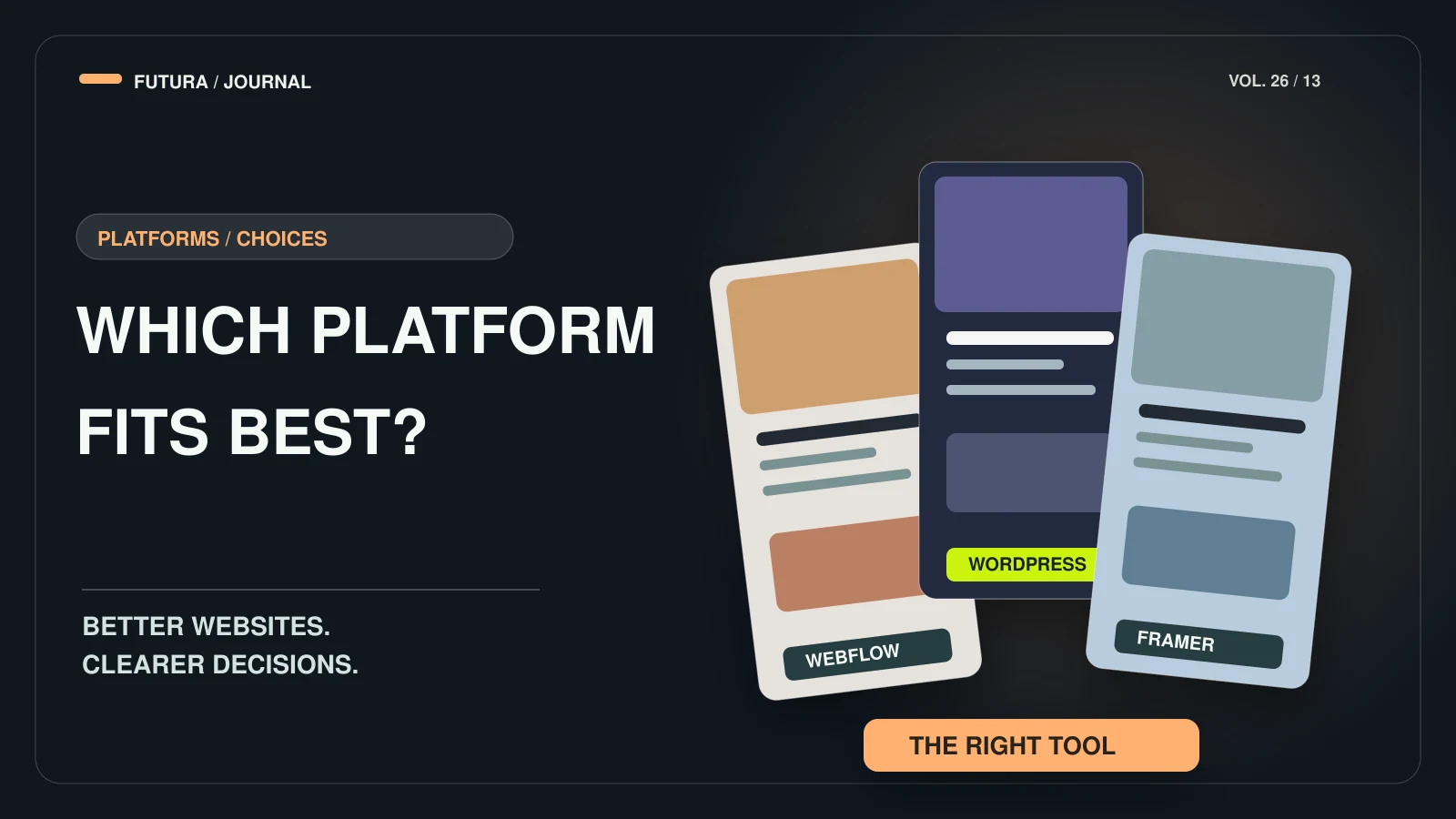
There is no best platform — only the best fit for who edits the content, how much of it there is and how custom the design needs to be.

- Start with who edits the content and how often — the platform follows from that, not the other way round.
- Webflow suits structured marketing sites: a visual build plus a CMS where editors change content without touching the design.
- WordPress is open source and very flexible — which is its strength and its risk. Keep it structured.
- Framer suits design-led sites that need to move quickly; check its CMS against your content volume.
- Custom code makes sense when there is real application logic or a bespoke backend.
“Which platform should we use?” is usually the first question and should be the fourth. Before the tool, a project needs a clear outcome, a defined scope and an honest picture of who will update the site after launch.
We build on Webflow, Framer, WordPress, Shopify and custom code, so this is not a pitch for one of them. It is a short guide to what each is genuinely good at, based on what the platforms themselves document and on projects we have shipped. Sources are listed at the end.
Start with the editors, not the tool
Ask four questions first: how often will content change, who will change it, how much content is there, and how custom does the design need to be? A brochure site edited twice a year and a catalogue of rooms, packages and articles edited weekly lead to different answers.
This is why our process begins with the outcome rather than the platform: define the scope, priorities and success criteria, design the experience, then build on the platform that fits the content and operations.
WordPress: flexible, open source, easy to overgrow
WordPress.org describes WordPress as open source software, licensed under the GPL, that should work with minimum set-up while letting more technical people customise it extensively. That flexibility is why it suits businesses with varied content and plenty of integrations — and why WooCommerce is a common route for online stores.
The risk is that flexibility without structure becomes a pile of plugins. Our approach is reusable sections, clear content types and only the features the business actually needs — see our WordPress development service.
Webflow: structure and a controlled editing experience
Webflow’s documentation describes a CMS Collection as a database for one type of content — blog posts, rooms, team members — where every item in the collection uses one page template and one set of fields. The designer builds the template once; every item then follows it.
Webflow also has a Content editor role: people with it can edit copy, images and other content through a simplified interface while the design stays untouched. According to Webflow’s help centre, editors can’t change the design, add custom code or change the CMS structure — which is exactly the safety net many marketing teams want.
That is why Webflow is strong for structured marketing sites with a CMS, such as the lodges and surf camps we have built. See Webflow development.
Framer: design-led sites that move fast
Framer positions itself around quick iteration: its CMS stores content in collections, content can be edited on the canvas with changes shown in context, drafts let you stage updates, and it lists built-in localisation. Framer also says it generates page titles, descriptions, schema and Open Graph tags from CMS fields — these are Framer’s own claims, so test them against your needs.
It is a good fit for high-end marketing sites and launches where visual quality and speed of iteration matter most. If your site is mainly a showcase with a modest amount of content, Framer development can be the fastest path; for large, complex content models, compare it carefully with the alternatives.
When custom code is the right answer
Sometimes the requirement is not a website with pages but a system: bookings with bespoke rules, a backend workflow, integrations that don’t fit a visual builder. That is where custom code earns its extra cost, because you own the structure end to end.
Sunset Surf House is an example: its scope was a custom-code website with a backend and CMS workflow. The trade-off is that custom builds need developer time for changes that a visual CMS would put in editors’ hands.
A quick guide
Our rule of thumb, from how we scope projects:
- Webflow — structured marketing sites with a CMS and a controlled editing experience.
- Framer — fast, design-led marketing sites and launches.
- WordPress — flexible content, many integrations, WooCommerce for stores.
- Shopify — stores where the buying journey is the product.
- Custom code — real application logic or a bespoke backend.
FAQ
Common questions
Which platform is best for SEO?
None of them decides rankings on its own. All three can output crawlable pages with titles, meta descriptions and headings you control. Google’s guidance asks for helpful, people-first content, so content quality, structure and speed matter more than the logo on the dashboard.
Can our team edit the site ourselves?
Yes on all three, with different guard rails. In Webflow the Content editor role edits content without being able to change the design, custom code or CMS structure; in WordPress and Framer the experience depends on how the site was built.
Can we change platform later?
Yes, but it is a site move: URLs, redirects and content all need planning. Read how to redesign a website without losing your SEO before you commit.
What about e-commerce?
Our service list covers Shopify for stores and WooCommerce on WordPress. See e-commerce development for how we scope them.
Sources
Primary sources for the claims above, last checked on 10.10.2026.
- About WordPress — WordPress.org
- Intro to the Webflow CMS — Webflow Help Center
- Edit site content as a content editor — Webflow Help Center
- Framer CMS — Framer
- Creating helpful, reliable, people-first content — Google Search Central
Have a project in mind?